Quick answer
ImportError: lxml not found, please install it appears when pandas.read_html or a scraper needs the lxml parser and it is not installed. Install it with pip install lxml (or conda install lxml), then restart your kernel so the interpreter picks it up. In a notebook the restart is the step people miss after installing.
The error message ImportError: lxml not found, please install it is a common message that Python programmers get when they try to run their scripts to scrape information from a website using Pandas.
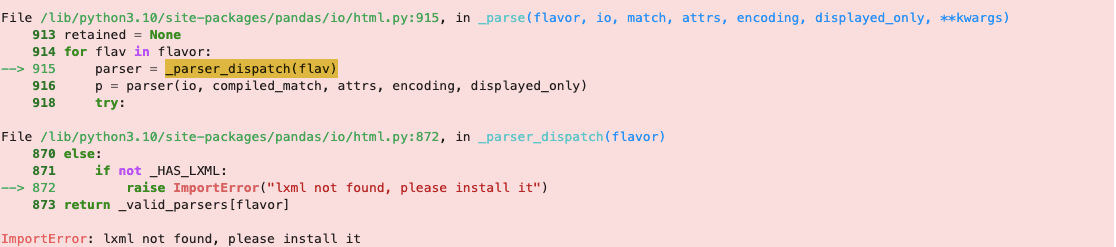
The ImportError: lxml not found, please install it error occurs when Python cannot find the lxml module. This module provides extra functions for working with XML files. The installation of lxml depends on the operating system and the Python version being used.
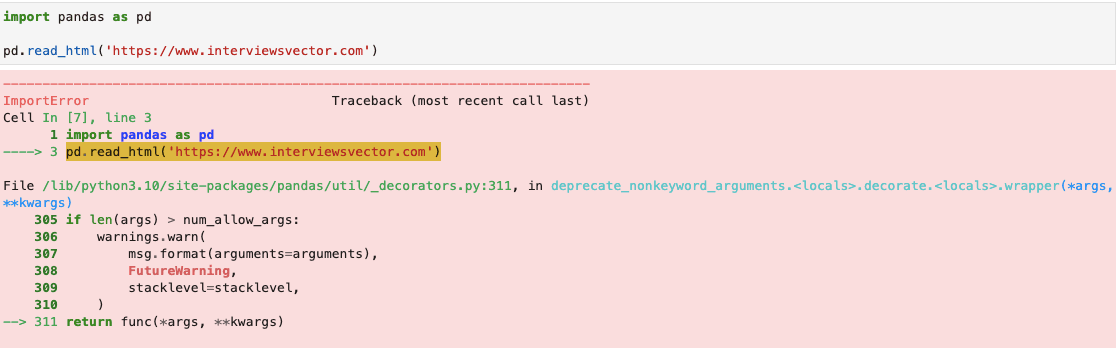
In order to fix this error, we can install lxml using pip or setuptools.
pip install lxmlAfter installing lxml restart your kernel

Software Engineering Leader & Technical Author · Updated July 21, 2026